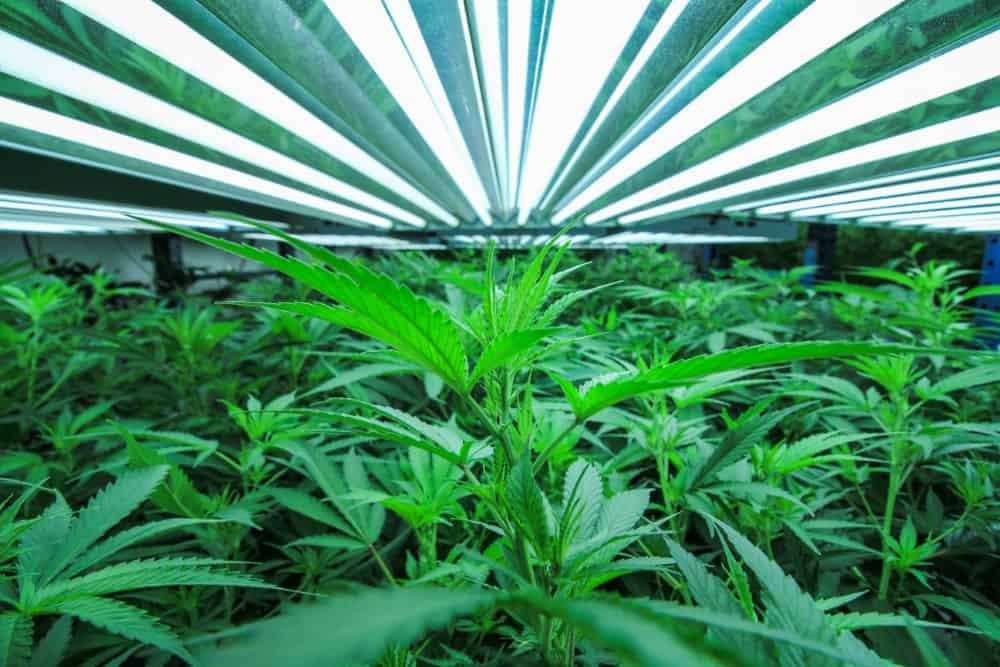
UPLUX 720 vs 840 LED Grow Light: Which Fixture Fits Your Grow?
Compare the UPLUX 720 and 840 LED grow lights by power, efficiency, controls, cooling and installation needs to choose the right fixture.

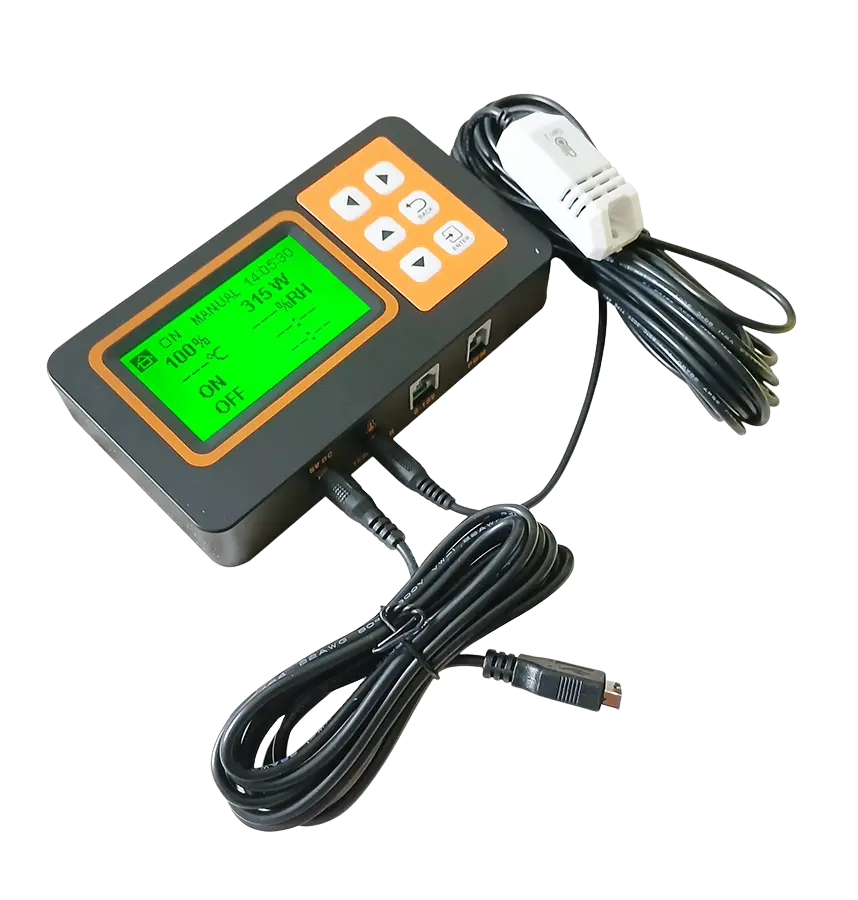
A centralized LED grow light controller turns repeated manual adjustments into a defined operating schedule. In a compatible UPLUX installation, one control point can coordinate dimming, daily or custom timing, sunrise/sunset ramping and temperature protection for up to 30 linked fixtures. The commercial value is straightforward: more consistent routines, faster commissioning and fewer manual changes across the lighting system.
A lighting controller sends a low-voltage control signal to compatible LED drivers. It does not replace the fixtures’ electrical supply, and it does not determine the crop recipe by itself. Instead, it gives the operator a repeatable way to set light intensity and timing across linked luminaires.
The UPLUX Controller supports 0–10V and PWM control. Its documented electrical specifications include a 5V/2A input and a 0–10V/50mA output, with an ambient operating range of 0–40°C. It can manage a maximum of 30 compatible linked fixtures. Compatibility, cabling and installation must be confirmed for the exact fixture configuration before commissioning.
| Function | Operational purpose |
|---|---|
| 0–10V and PWM control | Adjusts compatible fixture output through a supported low-voltage control interface |
| Auto Pilot | Runs programmed lighting operation without requiring the same manual action each day |
| Daily and custom schedules | Defines consistent on/off and intensity timing for the production routine |
| Sunrise/Sunset | Ramps light output at the beginning and end of the programmed cycle |
| Temp Protection | Uses supported environmental input to protect the lighting operation when temperature conditions require intervention |
| Temperature/humidity sensor support | Connects supported sensing hardware for environmental awareness |
| Up to 30 linked fixtures | Centralizes compatible luminaires within the documented system limit |
Dimming lets operators tune the installed system instead of treating every fixture as permanently fixed at maximum output. Practical uses include lowering intensity for young plants, commissioning a new canopy, responding to seasonal greenhouse sunlight, managing environmental load and matching a revised photoperiod.
The relationship between PPFD, photoperiod and daily light integral (DLI) should guide those settings. Virginia Tech’s introductory DLI guide explains how intensity and operating hours combine to create a daily photon dose. The controller makes a chosen schedule repeatable; the grower or cultivation specialist remains responsible for selecting an appropriate target and validating it at canopy level.
Sunrise/Sunset mode changes output progressively rather than switching immediately between off and the scheduled intensity. This creates a smoother operating transition and can reduce abrupt changes in electrical and environmental load. It should be used as a controllable scheduling feature—not promoted as a universal yield guarantee.
Daily and custom cycles help a team reproduce its chosen photoperiod across production days. Repeatability matters when comparing crop batches, training staff or diagnosing a room: the recorded program is clearer than a series of undocumented manual adjustments. Auto Pilot keeps that program running as configured.
Lighting and climate are coupled. Fixture input power contributes heat to the room, plant transpiration affects humidity, and HVAC behavior can change after dimming. The UPLUX Controller supports temperature and humidity sensing and includes Temp Protection. That provides a useful protective layer around a programmed lighting routine.
This function is not a substitute for the facility’s environmental-control system, alarms or safety engineering. Confirm sensor placement, thresholds, supported responses and restart behavior during commissioning, then test the actual installation under controlled conditions.
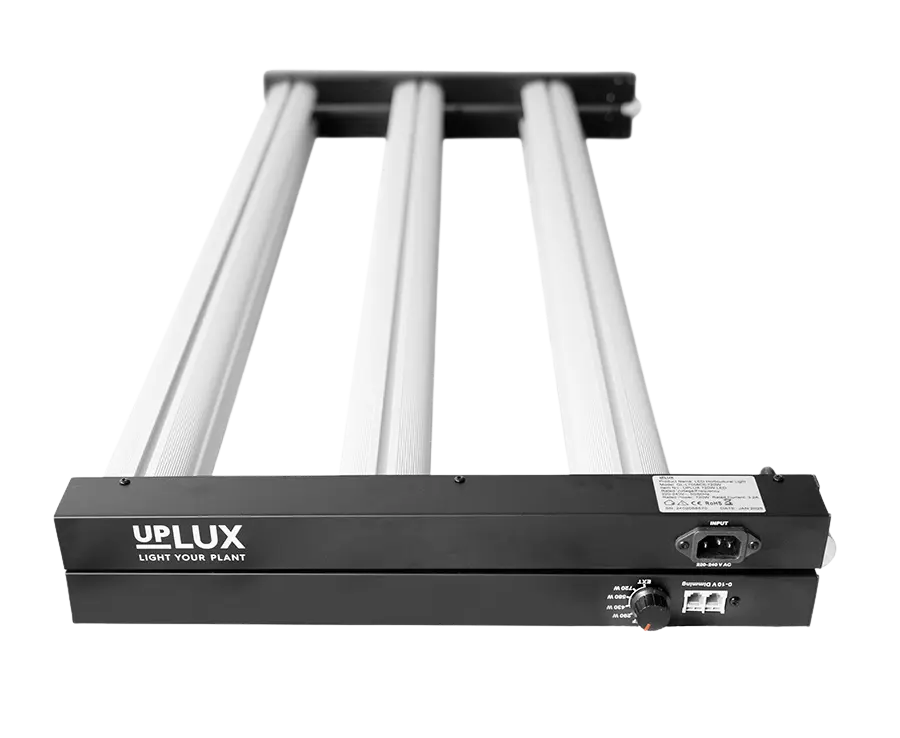
The controller is designed for compatible UPLUX fixtures using the supported control interface. Two strong overhead-lighting examples are:
The approved controller documentation does not verify independent multi-zone control, dual-zone operation, multi-room control or dual temperature sensors. Those capabilities should not be inferred from the ability to link multiple fixtures. If separate areas require different schedules or intensity settings, define that requirement with UPLUX before choosing the number and configuration of controllers.
For fixture spacing and commissioning, use the UPLUX guide to commercial grow room lighting systems. For efficiency and procurement comparisons, see the professional LED grow light buyer’s guide.
The UPLUX Controller is a practical control hub for compatible UPLUX systems that need repeatable dimming and scheduling without unsupported complexity. For larger quantities, compatibility confirmation or project requirements, contact UPLUX.
Compare the UPLUX 720 and 840 LED grow lights by power, efficiency, controls, cooling and installation needs to choose the right fixture.
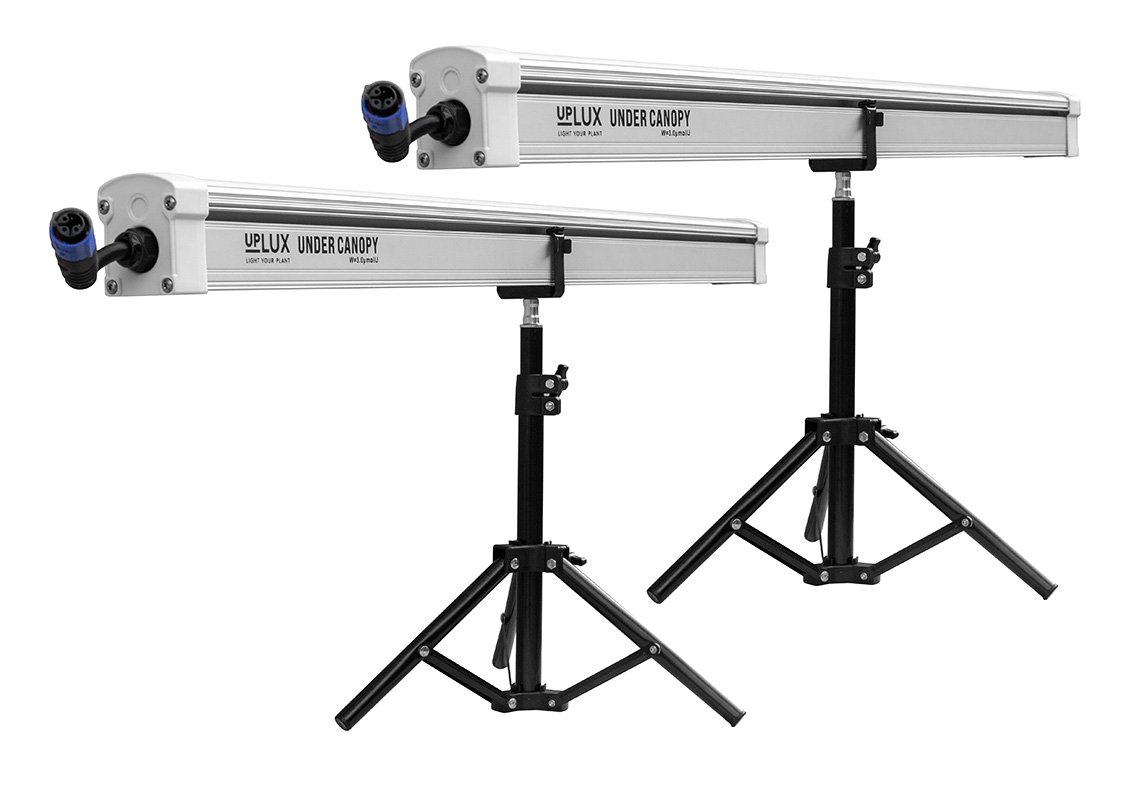
UPLUX under canopy grow lights deliver targeted illumination to lower plant zones, eliminating larf and boosting bud density for higher yields.
Learn how to compare LED grow lights by PPF, PPFD, PPE, spectrum, form factor, controls and operating cost—and explore verified UPLUX fixtures.